AnythingLLM on Windows
With AnythingLLM you can make use of the BFH LLMs with the advantage that all your prompts and answers are stored locally.
Install AnythingLLM
- Go to AnythingLLM Donwload Site and select Windows
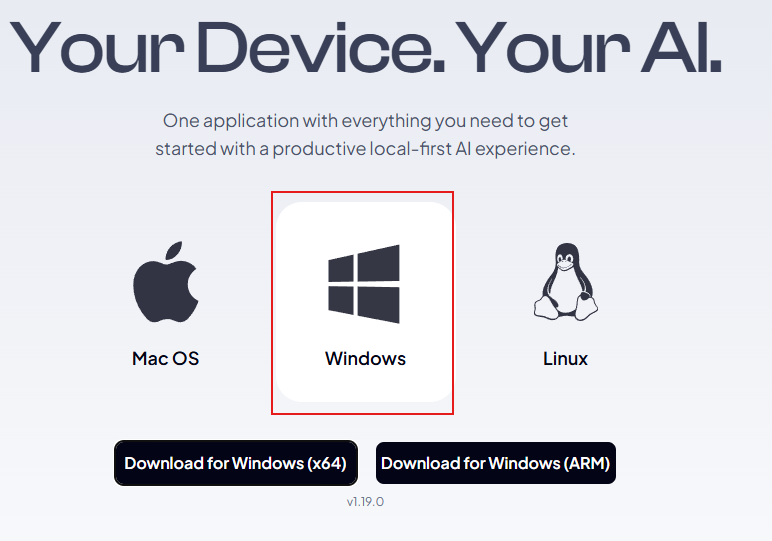
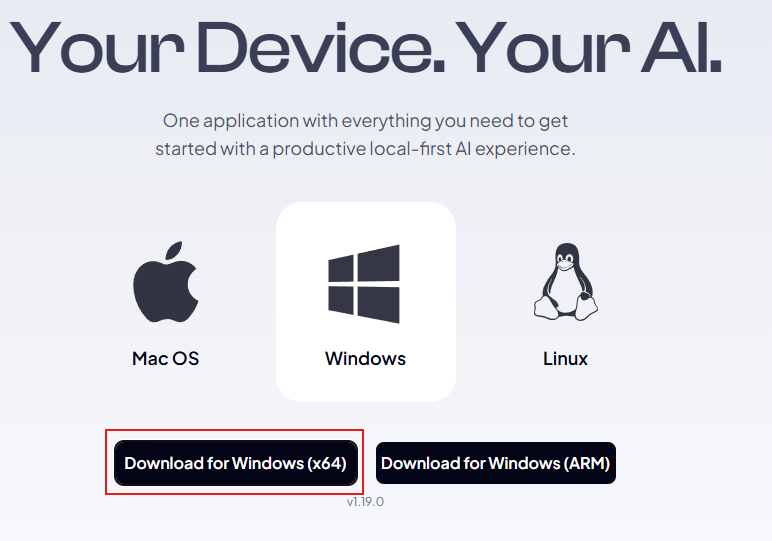
- Then select 'Download for Windows (x64)'
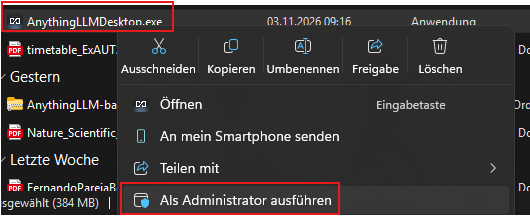
- Once the file is downloaded, open it as admin (right click - run as Admin)
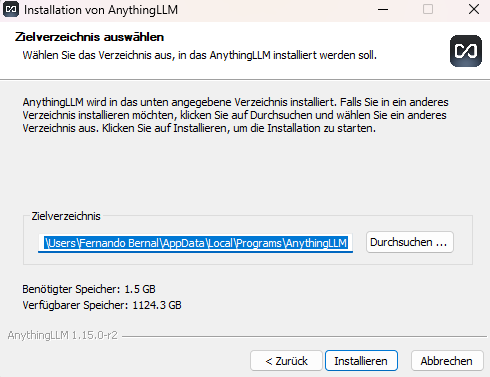
- And go through the installation guide as indicated.
Configure AnythingLLM
- Open Anything LLM and click on start.

- Click on manual configuration.

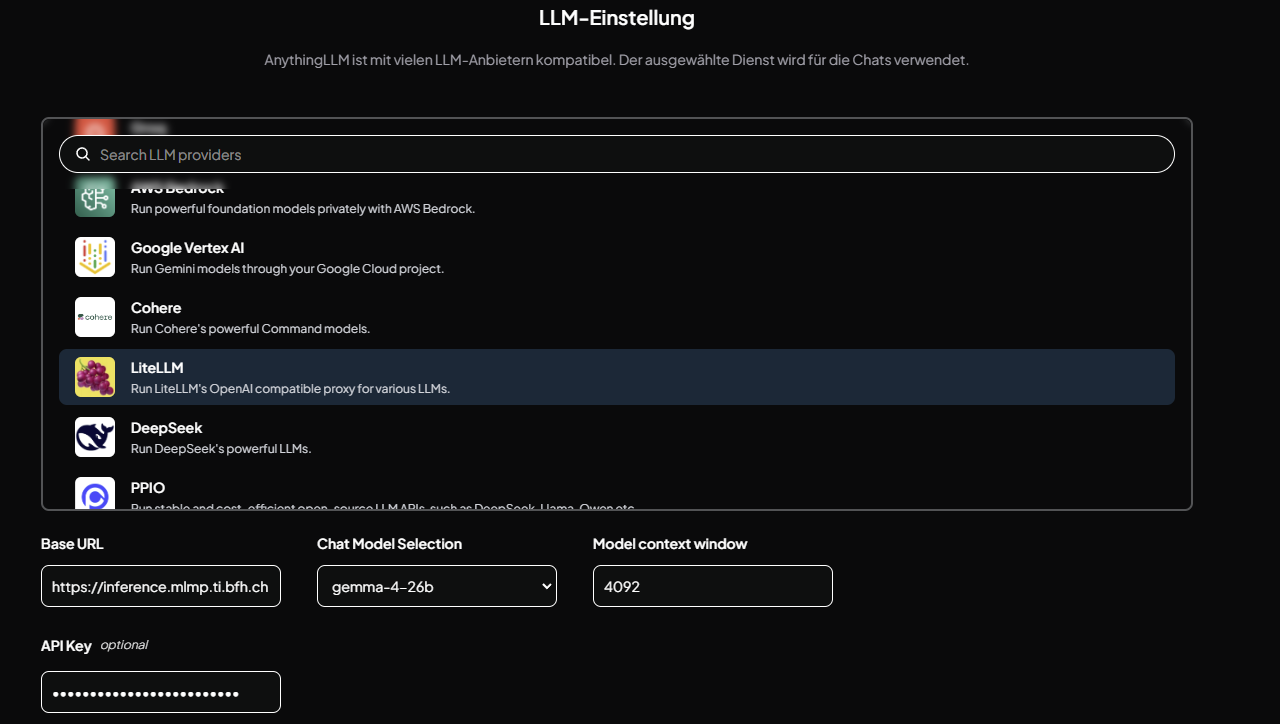
Select LiteLLM
- And fill the fields like so:
Note
LLM Provider: LiteLLM
Base URL: https://inference.mlmp.ti.bfh.ch
API Key (Mandatory): sk-...
Model Context Window: 4092
Chat Model Selection: Any of the chat models
- You can go through the next steps and skip them or fill out the information they ask for.
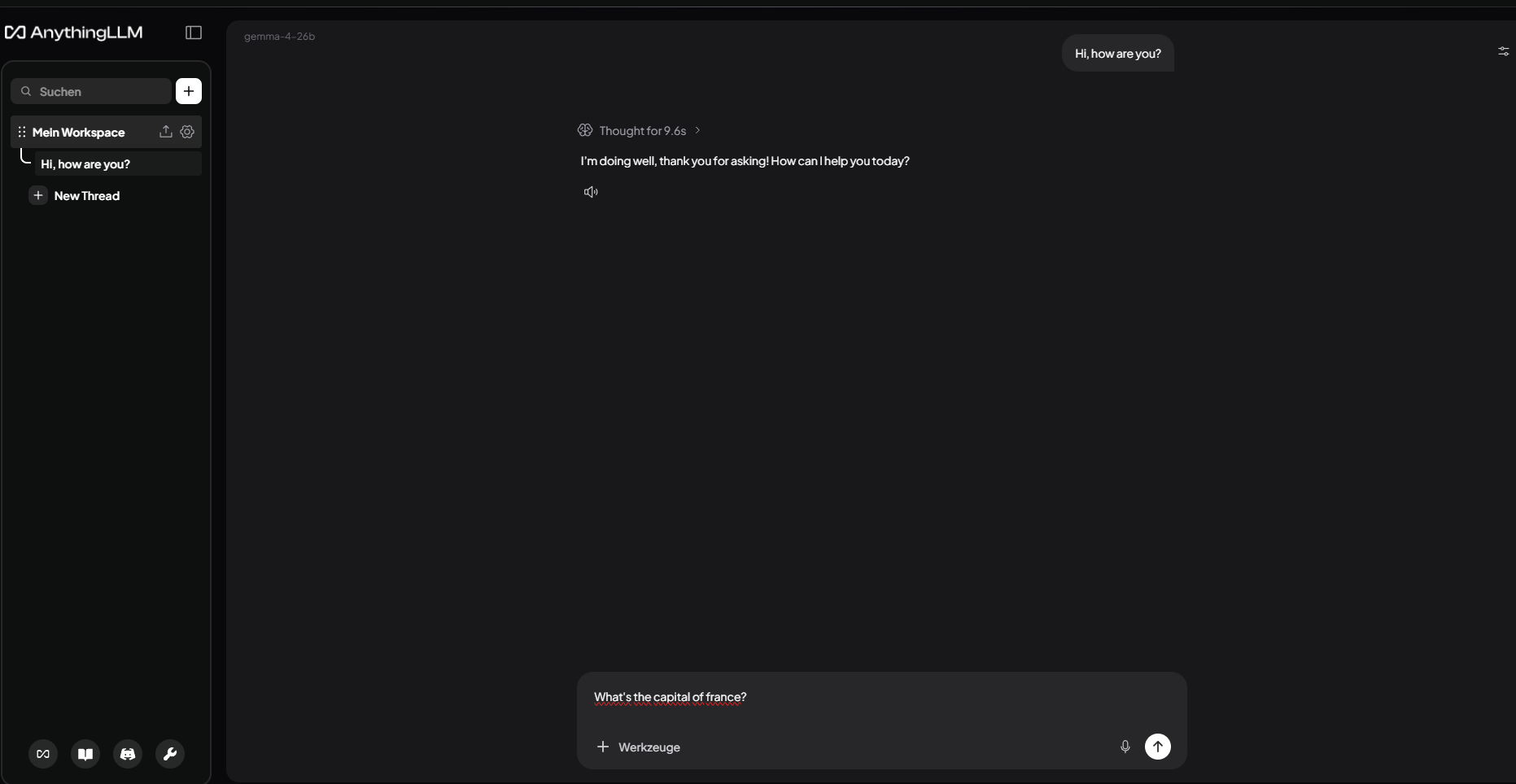
- And now you are ready to start a conversation!
Generate an API Key
Follow the steps described in the "Inference" tab above to create an API key.
Optional: Change Chat Mode
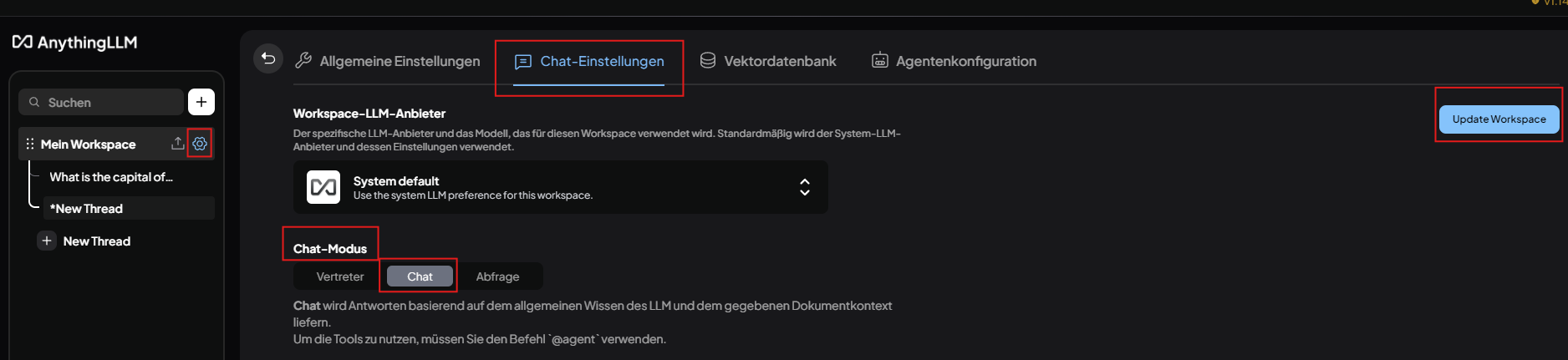
If you dont like the agent mode you can change it in here: 'Workspace Settings' > 'Chat Settings' > 'Chat Mode' > select 'Chat' and 'Update Workspace'